· tech-tools · 3 min read
Planning tools and offline maps
Just a quick post on what tools I use to plan events and create routes. On my Mac I use a tool called, ADZE, it is a great application and well worth the $20.00 to register. This app helps me…
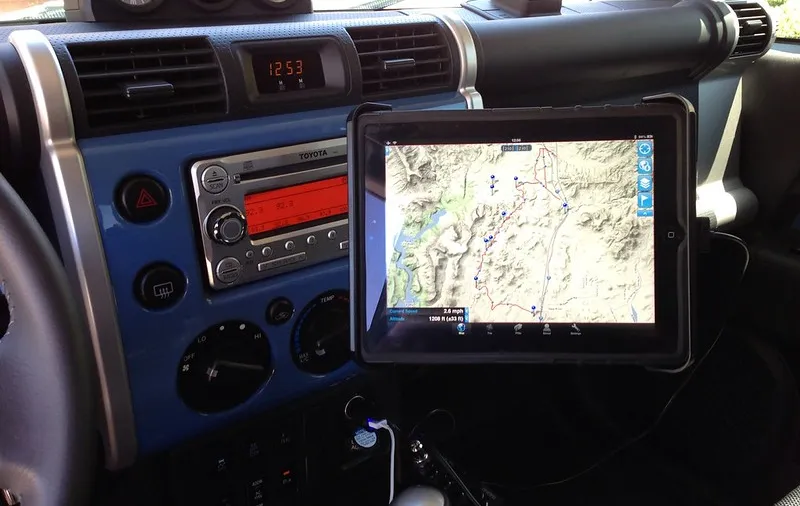
Just a quick post on what tools I use to plan events and create routes. On my Mac I use a tool called, ADZE, it is a great application and well worth the $20.00 to register. This app helps me preview, edit and combine GPX routes that are sourced from the web. It has tools to clean up old data, clean up unnecessary waypoints and a few other things. It takes a while to learn but one you have you are on your way!
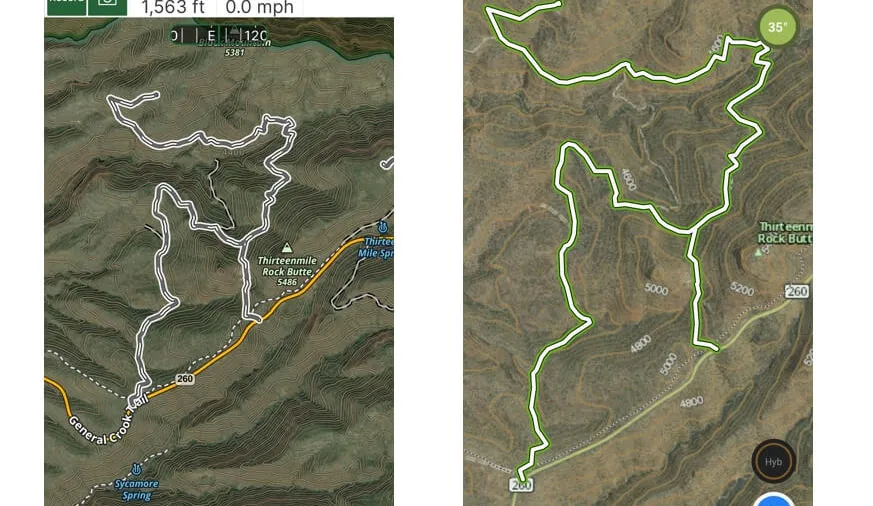
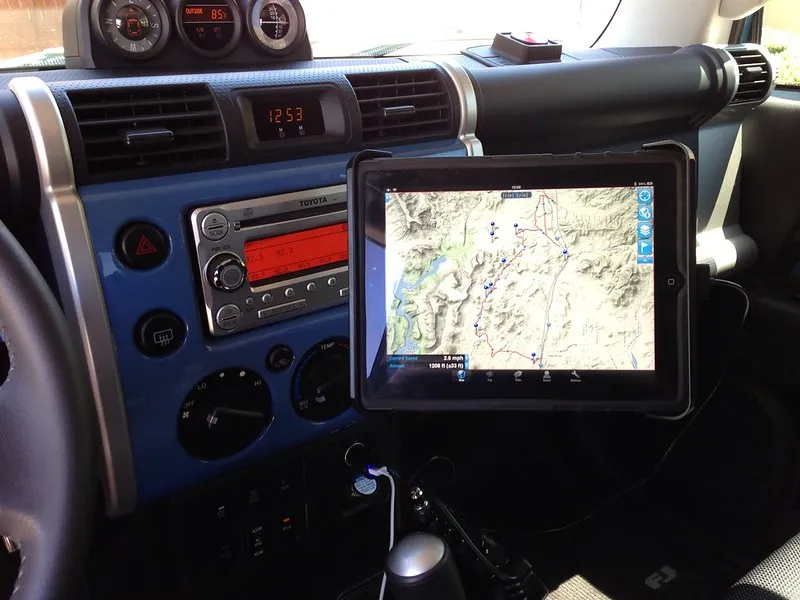
My favorite GPS Tracking app for iOS and Android is GAIA GPS. The developers are responsive to community feedback and are constantly working on enhancements. I have tried at least 5 other applications and none have been as powerful and easy to use as GAIA. I use it with a dash-mounted iPad for navigation. GAIA also has web-based tools to let you upload GPX tracks. When getting tracks for other sources I always do this FIRST vs just loading them onto my device. Reason being, I want to confirm the track is what I am looking for and more importantly is doesn’t contain thousands of unnecessary way points. If I don’t like what I have uploaded I just delete it before synching my device. You can upload tracks directly to your device via email or a cloud storage application like Dropbox. If you receive a track via email just click on the attachment. In iOS you may see a bunch of gibberish text, that’s an XML file, but if you click the top right of the screen you should get an Open In dialogue box. Just choose GAIA GPS and the program will do the rest. One thing you will find with the many map sources is that the data is not always current. The map will display trails that are no longer open. You should always back up your planning with a paper map! Be sure to review the GAIA Knowledge Base to learn more! I also use a Bluetooth Dual GPS with the iPad.
(Honorable Mention for Android: Orux Maps)
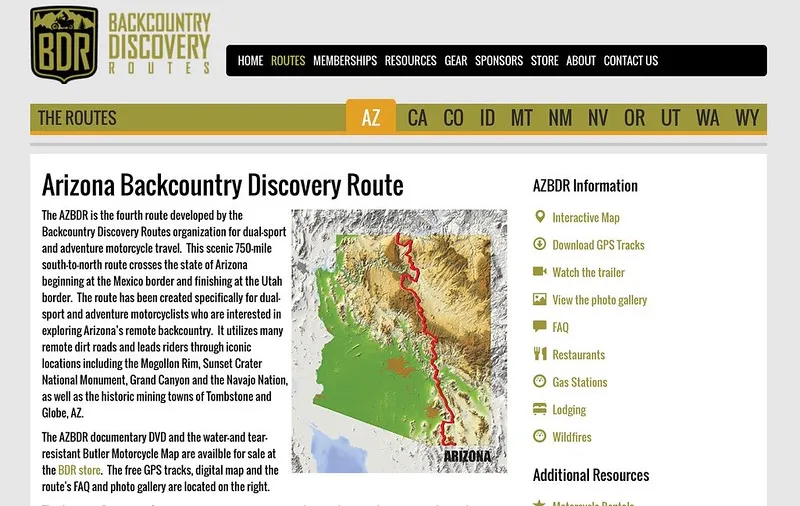
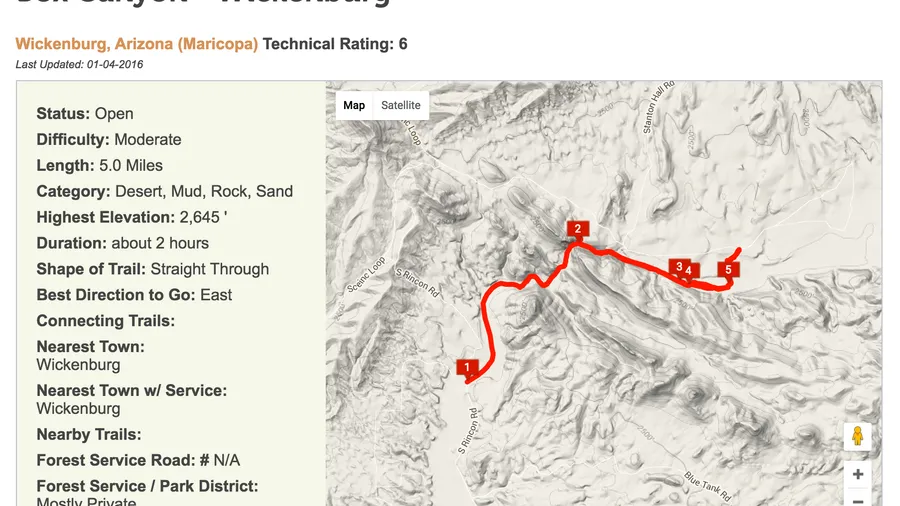
Sources for tracks: There is no magic bullet single source. Lots of tracks are available from folks that have done the same runs in the past. Just use your favorite search engine. When you search be sure to add .GPX or GPX in the search field. Even when I have a track from another source I always create another one on my trail runs. Persistence and trial and error are key. Using the ADZE app on my mac also allows me to get a quick preview of any community sourced tracks.
Whenever possibly we always share tracks for trips we create. Always nice to have extra eyes since some of us, cough cough, are known to take a wrong turn or two! See you on the trail! - Chris
Have some knowledge you would like to share with our community? Feel free to write an article and send it our way. We will give you full writing credit.
Update: August 2016
Here are some good sources for tracks:
Additional Reading: